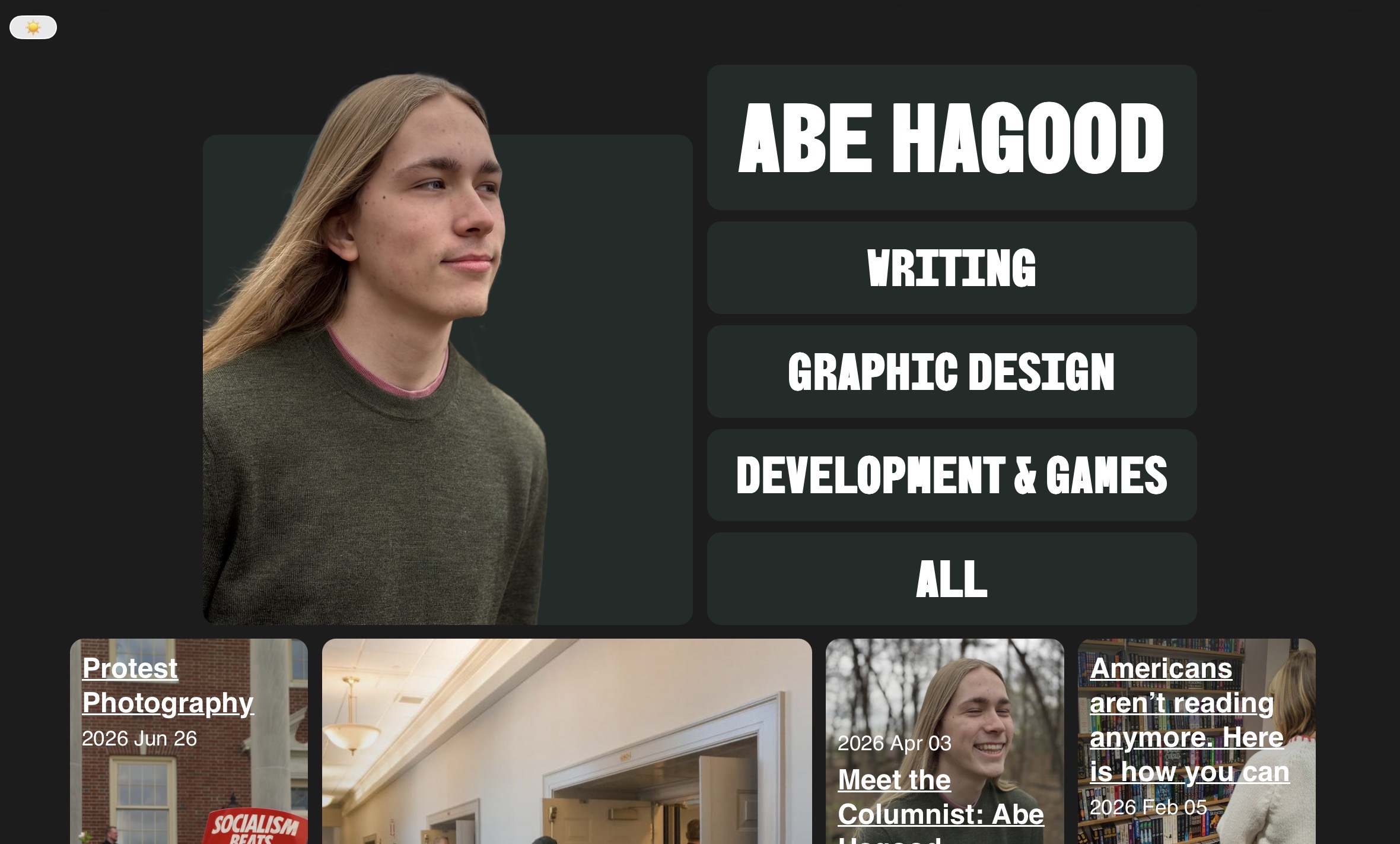
The problem with most websites
I have a philosophy about the tools I use in my work: they should never be a barrier. There should be as little friction as possible from me getting an idea to being able to begin executing on that inspiration. This, though, can also come into conflict with the fact that I want to spend as little as possible, be able to transfer my files between multiple programs if needed, and preferably use open source projects.
When building a website, you are presented with two primary paths: program your own or use one of the plethora of website-building tools. Each of these have their own problems. Web tools often have expensive hosting fees, lock you into their system by making data transfer difficult, and are generally less customizable.
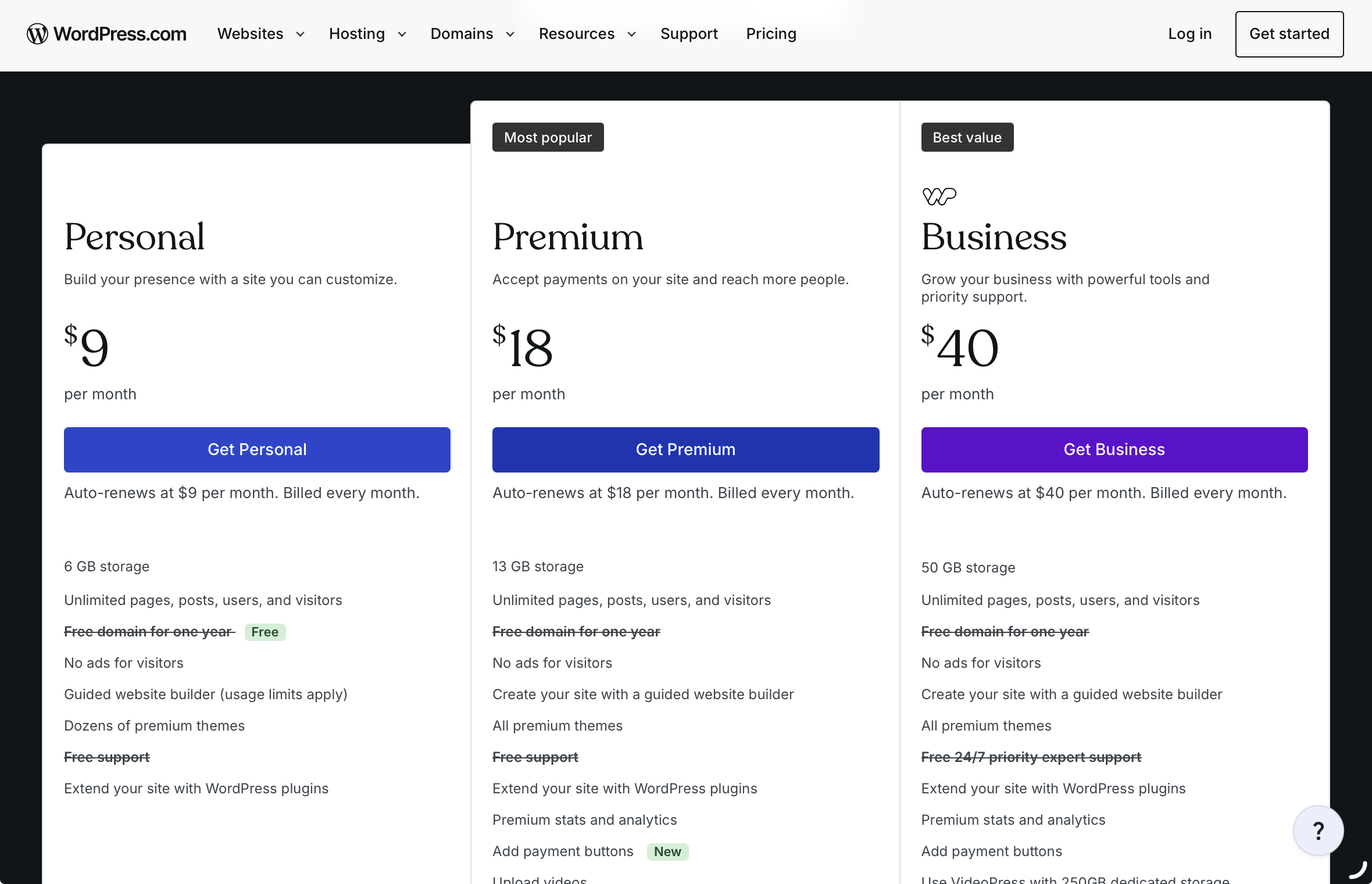
Website builders are expensive
Programming your own website, on the other hand, offers far more customizability but can have a steep learning curve and is far more prone to breaking, especially if you’re hosting it yourself. Most importantly for me, it can be obtuse to edit.
I have some experience with web design and programming websites in HTML/CSS, so in the past, I just hard-coded my personal website and uploaded the files to ‘static’ web hosts like Cloudflare Pages and GitHub Pages. This was easy and, outside of the marginal domain name fee, free, but it severely limited my ability to edit the content later. I would have to write out the content, open the code, add a new page, edit the homepage to link to the new one, convert my text to HTML, and then re-upload the page to the static host. And if I made a minor mistake, I would have to re-upload all again.
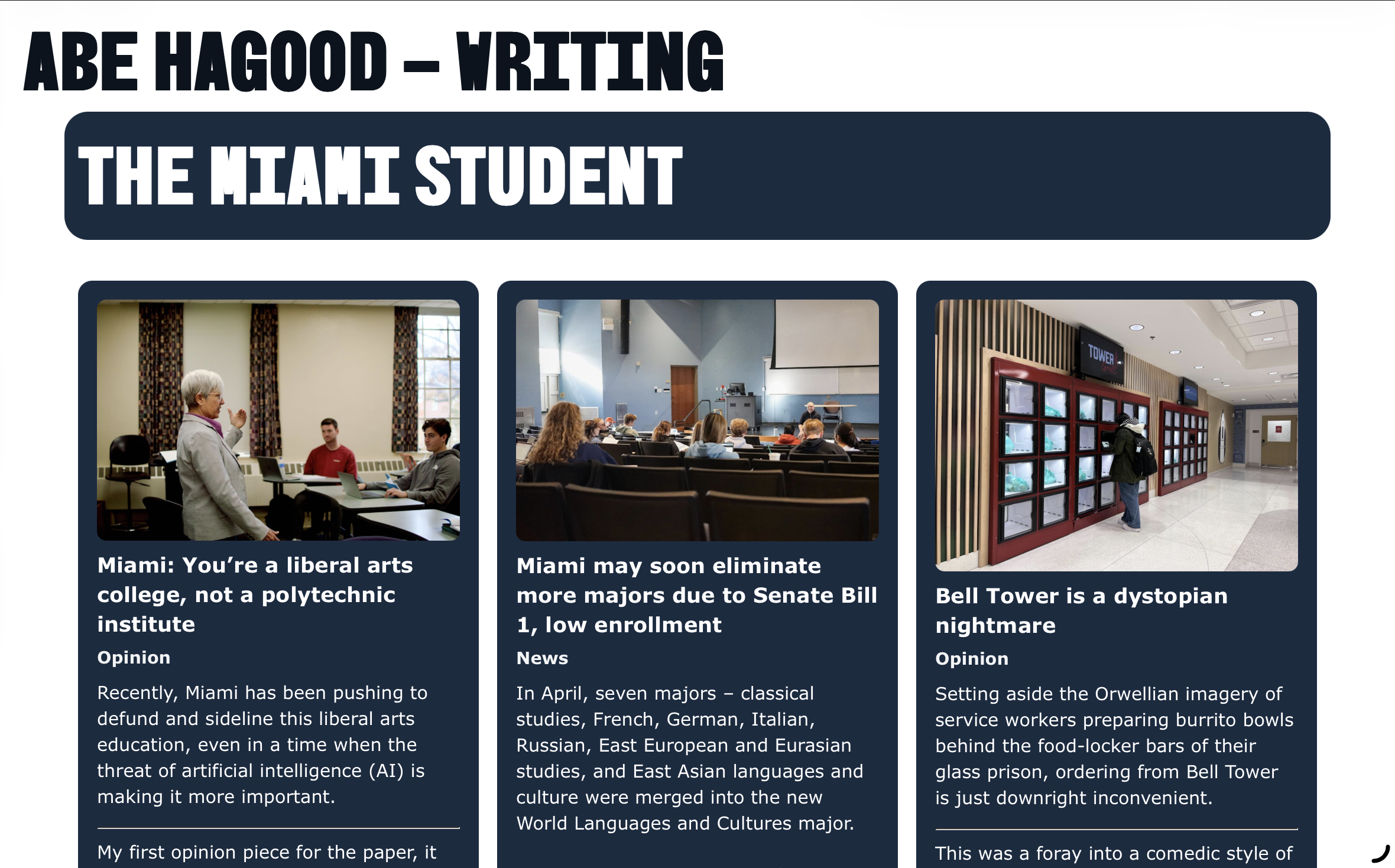
(One of) my previous, out-of-date portfolio(s)
This created a huge barrier to me being able to update the site, so it would sit out of date for long periods of time and would take hours to update when I finally needed to. When creating my new site, I looked for a way for it to still be unique and allow me to locally own the files, but also dynamically update when I add new content, and allow me to quickly edit it on the fly.
The Tools
Hugo
The first step in this was choosing a framework that would lay on top of my HTML and CSS and automatically adjust to fit new content. There are many options for this, but I decided to go with a tool called Hugo because it’s open source, relatively widely used, and its content is written in Markdown.
Markdown is another open source tool, made in the early days of web blogging by John Gruber (who you’re more likely to know as a prolific Apple blogger). It allows you to take plain text and convert it through simple keystrokes (like an asterisk before and after italicized words) into formatted HTML. It’s become so ubiquitous that most notes apps, from Google Docs to Apple Notes, allow you to copy text out in Markdown, and many messaging apps like Telegram, Discord, and Slack use some form of Markdown formatting. My preferred nothing app, Obsidian, also uses Markdown, so I can copy text over or just drag in the .md files.
Hugo is a static site generator, so I can still use GitHub Pages, and it automatically processes and updates the site whenever I push an update to the files. At my computer, I can quickly add a new file and type out some content in normal plain text, and it will automatically add a new page and update the homepage to include it, as well as update or create pages for any tags I add.
That works great if I’m at my computer with an IDE installed, but if I want to be able to fully edit it on the go, I need a CMS.
Pages CMS
A content management system (CMS) makes it easy to create and edit new articles and upload files and images for your website through a simple graphical interface. Pages CMS is a free and open-source CMS for static site generators like Hugo. It just connects to your GitHub account and modifies and adds new files without you having to touch the code.
It’s not the most full-featured tool, but it has support for adding collaborators and custom configuration. I’ve added custom fields for cover images and their captions and different variables for how the items will appear on the homepage of my site.
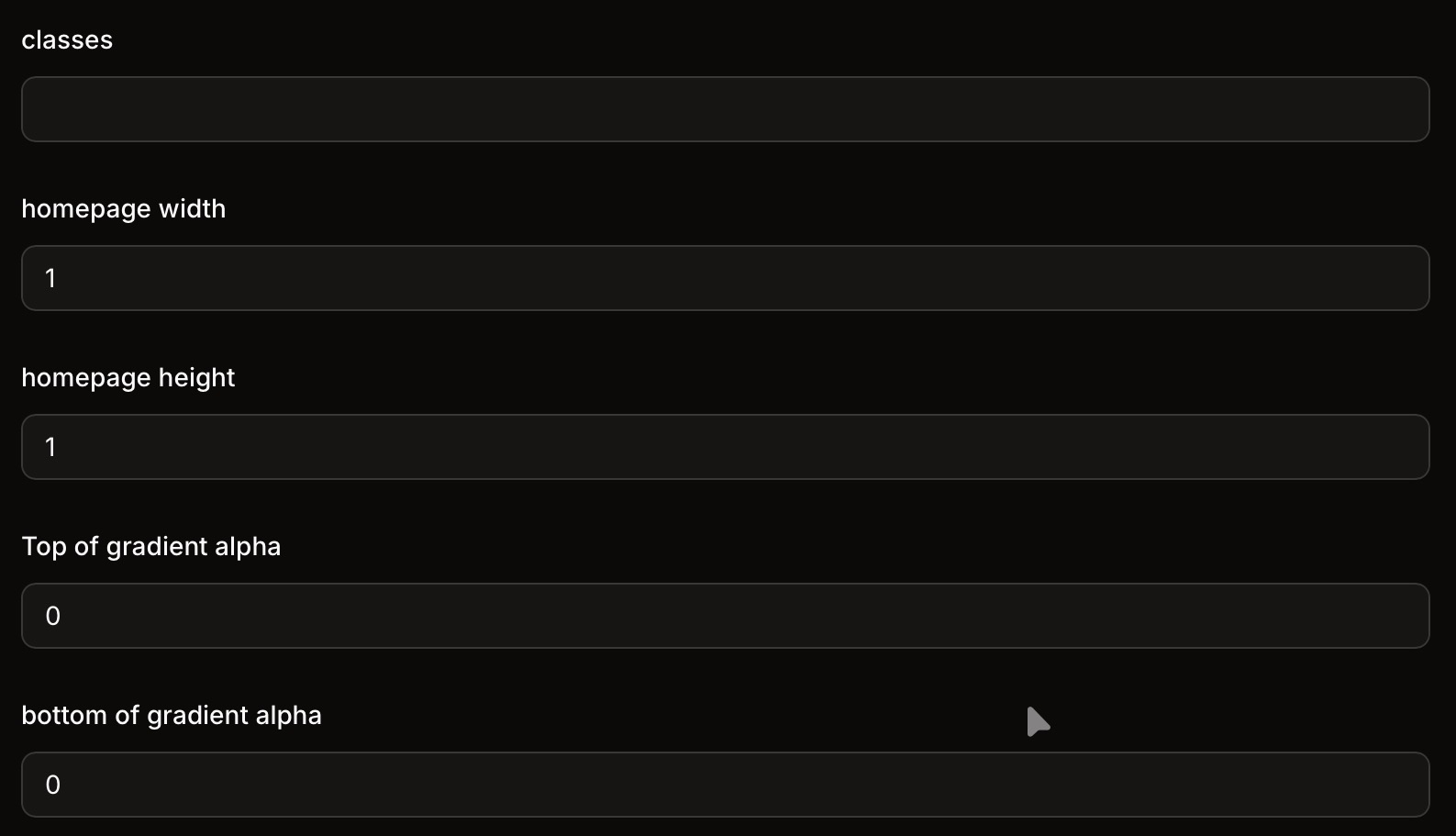
Custom fields in my Pages CMS editor to modify the size and styling of the item on the homepage
Pages adds the data to the front matter of the Markdown file.
---
title: Bell Tower is a dystopian nightmare
date: 2025-11-03T06:00:00Z
draft: false
cover: media/7fe9c882-6262-44e2-8b85-21570c9b8254.sized-1000x1000.jpg
caption: A student retrieves their food from the ghost kitchen at Bell Tower.
  Photo by Sarah Frosch | The Miami Student
captionMD: A student retrieves their food from the ghost kitchen at Bell Tower.
  **Photo by [Sarah Frosch](https://www.miamistudent.net/staff/sarah-frosch) |
  The Miami Student**
tags:
  - writing
  - The Miami Student
  - TMS Opinion
classes:
width: 2
height: 1
topGradient: 1
botGradient: 0
---
Then Hugo integrates it directly into the HTML
{{ .Content }}
<div class="grid">
{{- range .Pages }}
<div class="box {{ .Params.classes }}" style=" --bgURL: url('{{ .Params.cover | relURL }}'); --T: {{ .Params.topGradient }};  --B: {{ .Params.botGradient }}; --width: {{ .Params.width }}; --height: {{ .Params.height }};">
	<h3><a href="{{ .RelPermalink }}">{{ .Title }}</a></h3>
	<p>{{- if .Param "datesinlist" }}<time datetime="{{ .Date.Format "2006-01-02T15:04:05Z07:00" }}">{{ .Date.Format "2006 Jan 02" }}</time>{{ end -}}</p>
</div>
{{- end }}
It looks a little complicated at first, but essentially anything within the double brackets is calling on Hugo to dynamically add content, and once it’s set up, you only need to use the CMS. I made this entire post on an iPad with an attached keyboard and never had to touch the code (except to grab those snippets).
Hugo is super customizable, so I am able to add my own custom shortcodes like this embedded link element I programmed.

Going forward, there are still some things I’d like to customize within my Hugo site, like improving images with captions and galleries, and modifying how certain Markdown elements are rendered, like quote blocks that are just indented, but overall, I’m very happy with the site and its stability.